
Foundation
eSIM, from chip to trip
Learn what an embedded SIM is, what it is not, and how installation, service and device settings relate.
Open the field guide →Europe / connection, considered
Roavio is a slow-reading field guide to eSIM technology and the connective decisions that sit between a platform, a border and the next place you need to be. We explain the moving parts; we do not provide mobile service or arrange connectivity.
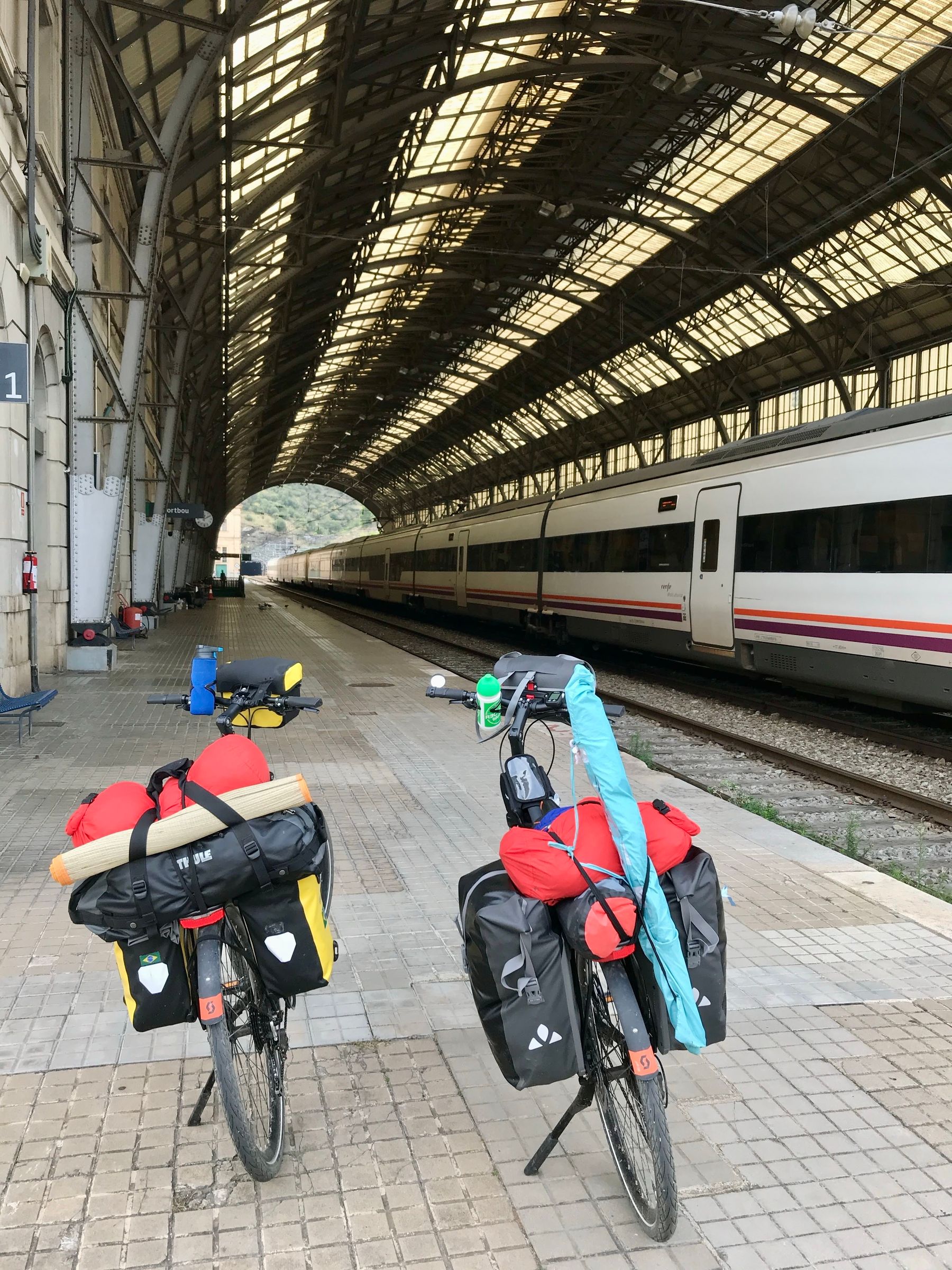
Start here
Foundation
Learn what an embedded SIM is, what it is not, and how installation, service and device settings relate.
Open the field guide →
Before departure
Model name alone is not enough. Use a calm verification sequence before making a travel decision.
Read device notes →
On the move
Prepare for rail days, city arrivals, border crossings and public Wi-Fi with questions rather than promises.
Visit country notes →The short definition
An eSIM is a programmable SIM component built into some phones, tablets and connected devices. A conventional SIM is a small removable card. Both can identify a device to a mobile service arrangement; the difference is mainly where the SIM lives and how its profile is added or managed.
That plain distinction matters when travelling. With a physical card, a traveller handles a tiny object, a tray and the risk of losing the home card. With an eSIM-capable device, a digital profile may be added through the device settings or another method supplied by the relevant service. The embedded hardware does not by itself create mobile data, make a device compatible, or settle the terms of a mobile arrangement.
Think of the technology as one layer in a stack. The device must support eSIM. Its software and regional configuration must allow the feature. A service arrangement must be compatible with that device. Then the traveller must set the intended line for data, calls or messages where those choices are available. Each layer deserves a quick check.
Physical card / embedded component
| Question | Physical SIM | eSIM |
|---|---|---|
| Where is it? | A removable card in a device tray. | An embedded component inside a compatible device. |
| How is a line added? | By inserting a card and following relevant instructions. | By adding a digital profile through a compatible device. |
| What can be lost? | The card can be misplaced or damaged. | The profile is digital, but access to the device remains important. |
| Can both be present? | Sometimes, depending on tray and device. | Often alongside another line, but active-line rules vary. |
| What still needs checking? | Device lock status, roaming terms and service conditions. | The same factors, plus feature availability for the exact regional model. |
These are general concepts, not a compatibility or connection-availability guarantee.
From arrival hall to hotel desk
Airports are often where a connectivity decision becomes urgent: a boarding update, an address, a rail platform or a message home suddenly cannot wait. The most dependable preparation is not a last-minute transaction. It is a small offline kit: saved arrival details, a downloaded local map area, a screenshot of the first onward journey, emergency contact information and a sensible understanding of your home arrangement roaming terms.
At a border, devices can linger on a previous network selection or take time to register in a new area. In parts of Europe, adjacent countries may be very close geographically; a device near a border can encounter changing signals. Avoid treating the network label as a travel document. Check your mobile-data settings, give the device time, and use a trusted Wi-Fi connection if a setting needs research.
On rail journeys, connection quality can change from carriage to cutting, city edge to tunnel. Put essential tickets, reservations and lodging directions on the device in a form that remains available offline. The same is true for remote work: a laptop meeting, a file upload and a hotspot are different tasks with different risk. Keep a fallback route instead of assuming the train table is an office.
Compatibility, responsibly stated
Look for the model number, not only a family name. A device sold for one market may differ from a similarly named device elsewhere.
A device can have eSIM hardware yet still be limited by a device lock or a current service condition. The relevant carrier can confirm its own policy.
Menus and supported features can change after updates. Check official manufacturer documentation that matches your installed software.
Roavio can explain verification questions and common menu paths, but only the relevant official manufacturer, carrier or provider can confirm current details for a particular device and service. Our device guide shows how to collect those facts without assuming that one model family behaves identically in every region.
Data, deliberately
Maps, messaging and occasional browsing are modest compared with high-resolution video, large cloud synchronisations or repeated laptop tethering. The useful question is not how much data Europe needs. It is what you will do on this device, when you cannot use Wi-Fi, for how many days.
Make a short activity list. Add navigational use on arrival days. Add work calls only if they are truly mobile. Decide whether photo backup can wait for known Wi-Fi. Check the device data-usage screen before departure so a number has context. Turn off automatic downloads only when that change does not create a safety or work problem.
For a multi-country route, distinguish between a mobile arrangement stated roaming geography and the broader political map. Travel patterns, islands, overseas territories and non-EU borders can introduce separate rules. Read terms supplied by the relevant carrier or provider and check them again if the trip changes.
Public Wi-Fi and private information
Hotel, station, airport and café Wi-Fi can be useful for lower-risk tasks, map downloads or an update that would otherwise consume mobile data. Names can be confusingly similar, portals can ask for information, and an open network is not a private office. Confirm the network name with staff where possible, avoid sensitive transfers when uncertain, and keep device software current.
A mobile connection is not automatically private simply because it is mobile. Keep a screen lock, use unique passwords, enable multi-factor authentication where appropriate and be cautious with unexpected links. The small habit that travels best is to keep only the connectivity you need on, then inspect permissions after a busy travel day.

A finite newsletter note
Roavio does not currently operate a newsletter or mailing list. If an editorial letter is introduced later, it will be clearly optional, explain what it sends and how data is handled, and will never be required to read this site.
In the meantime, use the guides as a preparation library: read the complete eSIM field guide, verify your device in device notes, and keep the plain-language FAQ for questions that tend to arise at the gate rather than at the desk.
One more preparation layer
Before a long transfer, take thirty seconds to copy the next address, platform and contact route into a note that stays on the device. If a ticket lives only in an application, save the permitted offline version early. A connection is most useful when it adds choice, not when it is the only way to find the door, the platform or the next person.
Charge deliberately when the opportunity is ordinary rather than urgent. Navigation, a bright screen and weak-signal searching can all shorten the day. If you carry a second device, decide which one is the source of truth for travel documents, and which one can be the fallback. These small decisions do more for a calm arrival than any claim about a particular technology.
The purpose of eSIM knowledge is not to make every trip technical. It is to recognise which fact belongs to the phone, which belongs to a mobile arrangement, and which can be solved by good travel preparation. With that distinction in hand, an unfamiliar menu becomes a manageable detail rather than the centre of the journey.
One last reminder
Before travel, use the official manufacturer for an exact device question and the relevant carrier or provider for its current terms. A well-prepared traveller uses an editorial guide to understand the question, then verifies the changeable answer at its source.